




Paid ads can help a software startup win its first customers, but as competition in the auction grows, each new user tends to cost a little more than the one before. SEO for SaaS companies offers another way to reach potential buyers without paying for every click.


Organic growth takes more than publishing blog posts and waiting for rankings. Potential customers search for ways to solve everyday problems, compare software options, and check whether a product has the features they need. A good SaaS SEO strategy helps your website show up at those different moments and gives visitors a reason to explore your product. In this guide, we’ll look at how to find valuable search opportunities, build the right pages, and connect organic traffic to sign-ups and long-term growth.
What is SaaS SEO
SaaS SEO is the process of improving a subscription software company’s visibility in organic search to attract potential customers and drive actions such as sign-ups, free trials, and demo requests. Take a time-tracking app for agencies: its organic pages have to reach an operations manager searching for a way to bill clients accurately, then bring that person to a sign-up form.

Day-to-day, the work extends past the blog into documentation and integration pages, which often rank for narrow technical queries a sales team would struggle to reach. A help-center article explaining how to export timesheets to an accounting tool can bring in a buyer who already uses that accounting tool and needs the connection before choosing a tracker.
How SaaS SEO differs from traditional SEO
SaaS SEO follows the same fundamental principles as traditional SEO. The differences appear in the buying journey, the pages a company needs, and success is counted in trials and demo requests in place of orders. The table below compares subscription software with e-commerce and local businesses point by point.
| Aspect | E-commerce / local SEO | SaaS SEO |
|---|---|---|
| Conversion goal | Purchase, inquiry, booking, or store visit | Sign-up, trial, demo request, or subscription |
| Who decides | Often an individual customer | May involve end users, managers, and budget holders |
| Main page types | Category, product, and location pages | Feature, use case, comparison and integration pages |
| Path to purchase | Varies by product or service | May involve evaluation, a trial, and internal approval |
| Search demand | Product, service, or location-based queries | Problem, feature, category, and comparison queries |
Why SEO is important for SaaS companies
For subscription businesses, winning a customer is the first part of the equation. That customer may keep paying for months or years, which gives extra weight to channels that bring in qualified leads. SEO can help SaaS companies build such a channel, and its effects show up in more places than the traffic report.
Driving consistent organic traffic
Search demand for a working problem repeats month after month. People who need to calculate overtime pay for hourly staff type that question in January and again in July, so a payroll tool with a page answering it can continue attracting visitors over time.
You can see how steady that flow is in Search Console by opening the Performance report for one page and setting the date range to 16 months. A page that maintains its rankings may continue attracting clicks over time, although traffic can fluctuate with seasonal demand and changes in search results. Our guide on how to increase organic traffic covers how to grow that baseline once the first pages hold their positions.
Converting search demand into sign-ups
Searches that include “software” often signal that someone is actively exploring tools to solve a problem. For a SaaS company, this creates an opportunity to turn that interest into a sign-up, as long as the landing page shows what the product looks like in use and what the free plan includes. When the headline clearly reflects what the visitor searched for, for example, “Invoice software for freelancers who bill by the hour,” the visitor sees at once that the click led to the right place.
Some teams go further and embed a working piece of the product right where people arrive from search. A free invoice generator that lets someone download one PDF and asks for an account to save client details turns a click from Google into real use of the tool, and the sign-up request appears once the person has already seen the output.
Lowering customer acquisition costs
Customer acquisition cost (CAC) measures how much a business spends to win a new paying customer. With paid search, that spend depends heavily on ad budgets and competition for clicks. SEO requires investment as well, though pages that keep attracting qualified visitors can bring in customers without a new advertising charge for each visit.
Take a hypothetical comparison page that costs $3,000 to research and write. If it brings 40 paying customers over two years, the content cost works out to $75 per customer. The full acquisition cost is higher, since SEO also involves technical work, tools, and regular updates.
To see the effect on CAC, compare your total SEO investment with the customers whose first session came from organic search, and keep that figure apart from the blended one. Teams that report a single blended number often credit paid channels with sign-ups that started from an organic visit weeks earlier. Over time, a well-performing organic channel can help reduce reliance on paid acquisition.
Long-term compounding growth
Picture the organic sign-ups of a reporting tool split by the month in which each landing page was published. Pages from a year and a half ago still contribute a layer, and each quarter adds a new one on top of them.
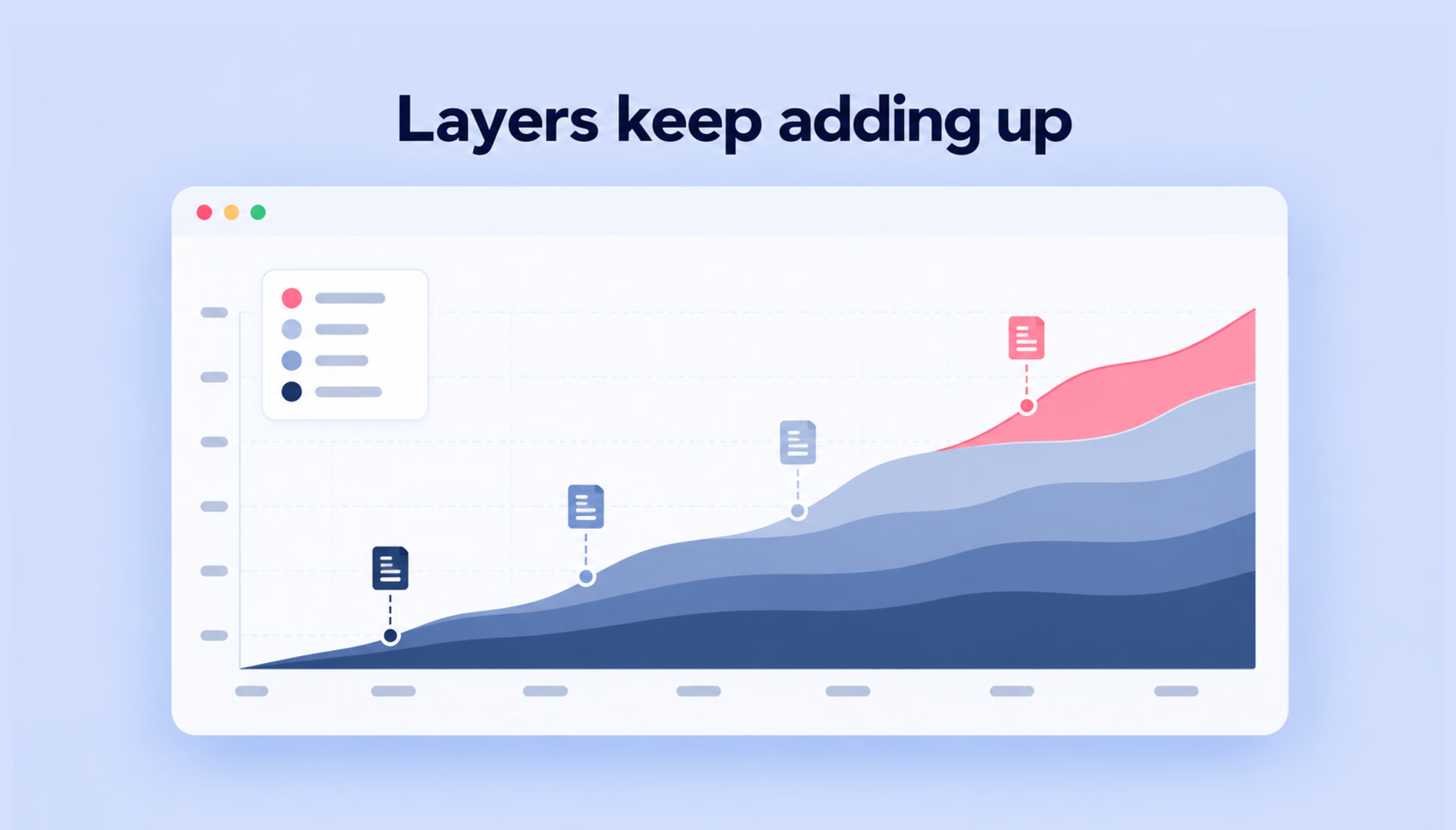
The subscription model can add another layer to that growth. Customers acquired through organic search who stay subscribed go on paying quarter after quarter, so revenue from retained subscribers accumulates alongside revenue from new ones.
This is also why the early results of an SEO strategy tend to understate its value. Twelve pages bringing a few accounts a month produce modest numbers in the first three months, and the same pages, together with the revenue of their customers, can contribute to growth well beyond their initial publication date.
SaaS SEO and the marketing funnel
SaaS buyers search for different things depending on where they are in the decision process. Some are trying to understand a problem, others are exploring solutions, and some are ready to compare specific products, so each stage calls for its own keywords and type of page.
Top-of-the-funnel keywords for SaaS
Top-of-the-funnel keywords often relate to problems or questions people are researching before actively comparing software solutions. An HR manager searching “how to reduce employee turnover in retail” wants advice on scheduling and exit interviews, and a retention-analytics tool can rank for that query by answering it with methods the manager can apply this week.
Such pages rarely produce sign-ups on the first visit, so judge them by what happens later. A downloaded exit-interview checklist is a useful engagement signal, while a later visit to a feature page may indicate growing interest in the product.
Middle-of-the-funnel keywords for SaaS
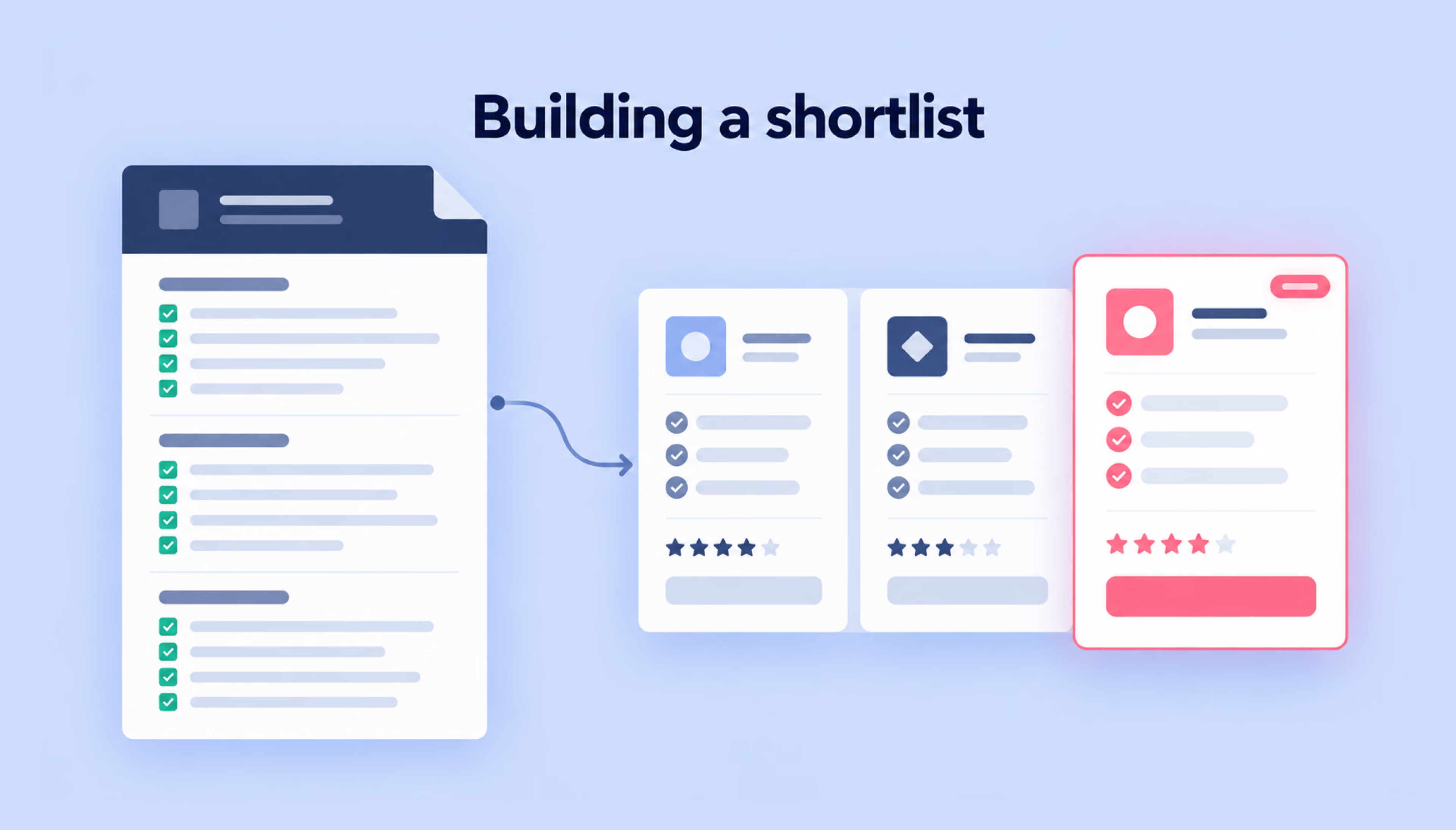
At this level, the person searching already knows that software can solve the problem and is working out what kind they need. Queries like “how to choose an applicant tracking system” or “ATS features for small teams” come from someone building a shortlist of requirements.
Content at the mentioned stage explains the selection criteria in enough detail that the reader can apply them to any vendor, including yours. A buyer’s guide with a requirements checklist that readers can copy into a spreadsheet gives them something practical to use when evaluating vendors. Ending the guide with a short section on how teams of different sizes apply the checklist gives the reader a next step, and that section is a natural place to show your product as one of the options.
Bottom-of-the-funnel keywords for SaaS
Bottom-of-the-funnel keywords include searches such as “[product] pricing,” “[competitor] alternative,” or “ATS with Slack integration,” which often indicate that buyers are evaluating specific tools or requirements. The corresponding pages should help them judge product fit and take the next step, whether that’s starting a trial or requesting a demo.
Many highly specific bottom-of-the-funnel queries have modest search volumes, so they can be easy to overlook when sorting keywords by popularity. A set of 30 integration queries with 50 searches each can bring more trials than one informational term with 10,000 searches, since a searcher who names a specific integration has usually narrowed the choice to tools that support it.
Search intent should shape both the content of a page and the next step it offers.
Keyword research for SaaS companies
Keyword research decides which funnel stages your site can realistically win, and for SEO, it starts closer to the customer than to the keyword tool. The process usually begins with the language buyers already use and moves to search tools later, ending with a decision about which terms deserve a page first.
Finding keywords based on user problems
Start with the words customers already use in support tickets and sales call notes. A project-management tool for design agencies might find the phrase “client approval rounds” in dozens of tickets, which points to searches like “how to limit client revision rounds” that a keyword tool seeded with feature names is unlikely to suggest.
Then test each phrase in search. The autocomplete suggestions and the “People also ask” box show how real searchers word the same problem, and a keyword tool of your choice adds the monthly volume of the closest variants.
Search Console adds another source once the site has traffic. Its Queries tab can reveal search terms your existing pages weren’t specifically targeting. Depending on the intent, these queries may suggest opportunities to expand existing content or create new pages.
{{banner}}
Informational keywords for SaaS content
An informational keyword is worth targeting for a SaaS blog when the answer involves a task your product performs. “How to write a meeting agenda” qualifies for a meeting-notes app, because the article can include an agenda template that opens inside the app with one click.
For topics where the link to the product is less obvious, ask whether the content addresses a problem your potential customers face and could eventually lead them to explore your product. Topics that fail it can still earn links and newsletter readers, so they move to the bottom of the list rather than leaving it.
Keywords for product and landing pages
Product and landing pages target terms that name the category or a feature, often with a modifier for the audience, such as “client portal software” and “client portal for accounting firms.” Group closely related keywords by search intent and assign each group to the page that fits it best. This helps avoid several landing pages that target the same search need and split its clicks between them.
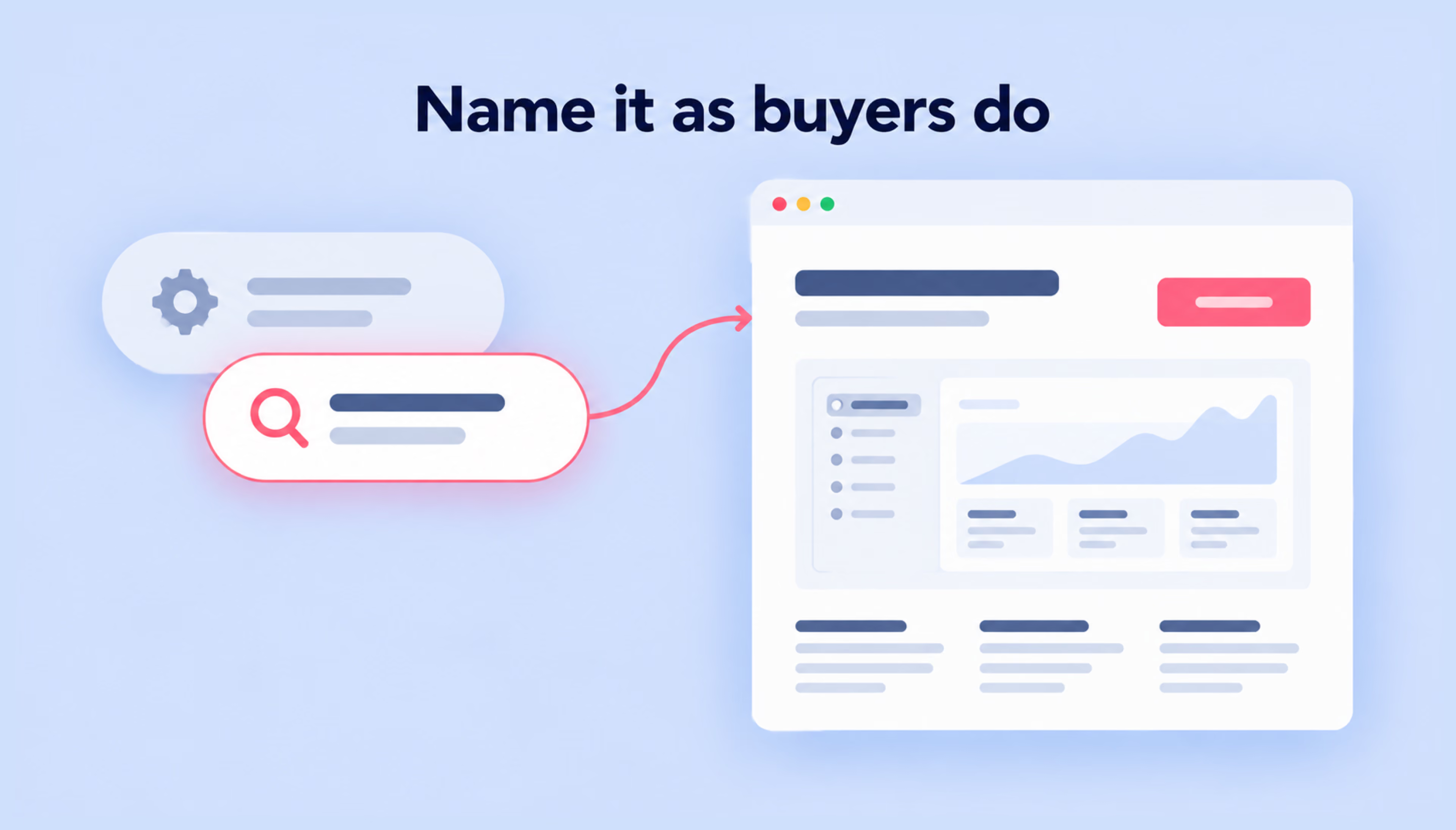
Feature names chosen by the product team often differ from the words buyers search. A feature called “Spaces” may need a page targeting “shared client workspace,” with the internal name mentioned in the text for existing users. Our guide to SEO keywords explains how to group such variants and assign them to pages.
Comparison and alternative keywords
Searches like “[competitor] alternative” come from people who use a tool and have found something they want to change, such as per-seat pricing or a missing integration. Choose which competitor names to target by reading their public reviews: if users of one tool repeatedly mention a limitation your product handles, that tool’s alternative query deserves a page.
Keep a separate group for “best [category] tools” and “[category] software for [audience]” queries. Review sites and publishers tend to hold the first page for these terms, so the realistic goal is often getting your product included in their lists, a task that belongs to link building as much as to content.
Prioritizing keywords by difficulty and value
A list of several hundred candidate terms usually becomes a work plan once each one is scored on the following criteria:
- Business value. Give each term 0 to 3 points based on how directly the page could lead to a sign-up, with 3 reserved for queries that name your category or a competitor.
- Current position. Pull the terms where the site already sits in positions 8 to 20 from Search Console, since these often need an improved page more than a new one.
- Difficulty. Open the results page and look at who ranks there. Review the top-ranking pages for gaps in relevance, depth, or usefulness, rather than relying on domain authority or keyword difficulty scores alone.
- Volume comes last and works as a tiebreaker between terms with similar scores.
For SaaS, these scores are worth revisiting each quarter, since a new feature or a change in a competitor’s pricing can move a term from 1 point to 3. Broad guides with high volume stay on the list and move up once the domain has earned enough links to compete for them.
Competitor analysis for SaaS SEO
Competitor analysis shows who already holds the results you prioritized and what it took them to get there. Start by finding those domains, then study their keywords and top pages.
Identifying organic competitors
Take your 20 highest-priority queries, check the search results for your target market, and write down the domains in the top ten. A scheduling tool for clinics doing this might see its two main sales rivals on that list next to a medical trade publication that ranks for half the queries.
Domains that consistently appear for your priority keywords are worth examining as organic competitors, even if they don’t sell similar products. For a more detailed approach, see our guide to website competitor analysis.
Analyzing competitor keywords
Export the keywords each organic competitor ranks for in positions 1 to 10 and compare them with your own list in the gap report of an SEO tool. Much of the export will be noise, such as branded searches for the competitor or topics unrelated to your product, so filter by intent before you read it.
The useful findings tend to be page types you lack. If a rival ranks for 40 queries shaped like “[their product] + [CRM name] integration,” the pattern points to a group of integration pages your own site could build, provided your product supports those connections.
Reviewing top-ranking pages
Before writing a page, open the top results that currently rank for its main query and note what they have in common:
- Format. Is it a tutorial, a template, a list of tools, or a product page?
- Depth. Note which subtopics appear repeatedly and whether they answer questions your target audience is likely to have.
- Freshness. Recent update dates on a fast-moving topic suggest that Google favors current information for that query.
- Search features, such as a video carousel above the results, tell you which extra formats can earn visibility for the page.
The review helps you understand what a new page has to match in the current results and where it could offer something competitors lack. For a SaaS company, that addition is usually first-hand, such as screenshots from the product or a template built from real customer workflows.
Content strategy for SaaS SEO
Keyword research tells you what potential customers are searching for. Content strategy determines how your website answers those searches, whether through product pages, industry-specific use cases, comparisons, or practical guides, and each format answers a different question a visitor has while evaluating the software.
Product and feature pages
A feature deserves its own page when people search for it by name, such as “technician route planning” for a field-service app. That page shows the route screen as a dispatcher sees it and states which plan includes the feature, so the visitor can judge fit without booking a call.
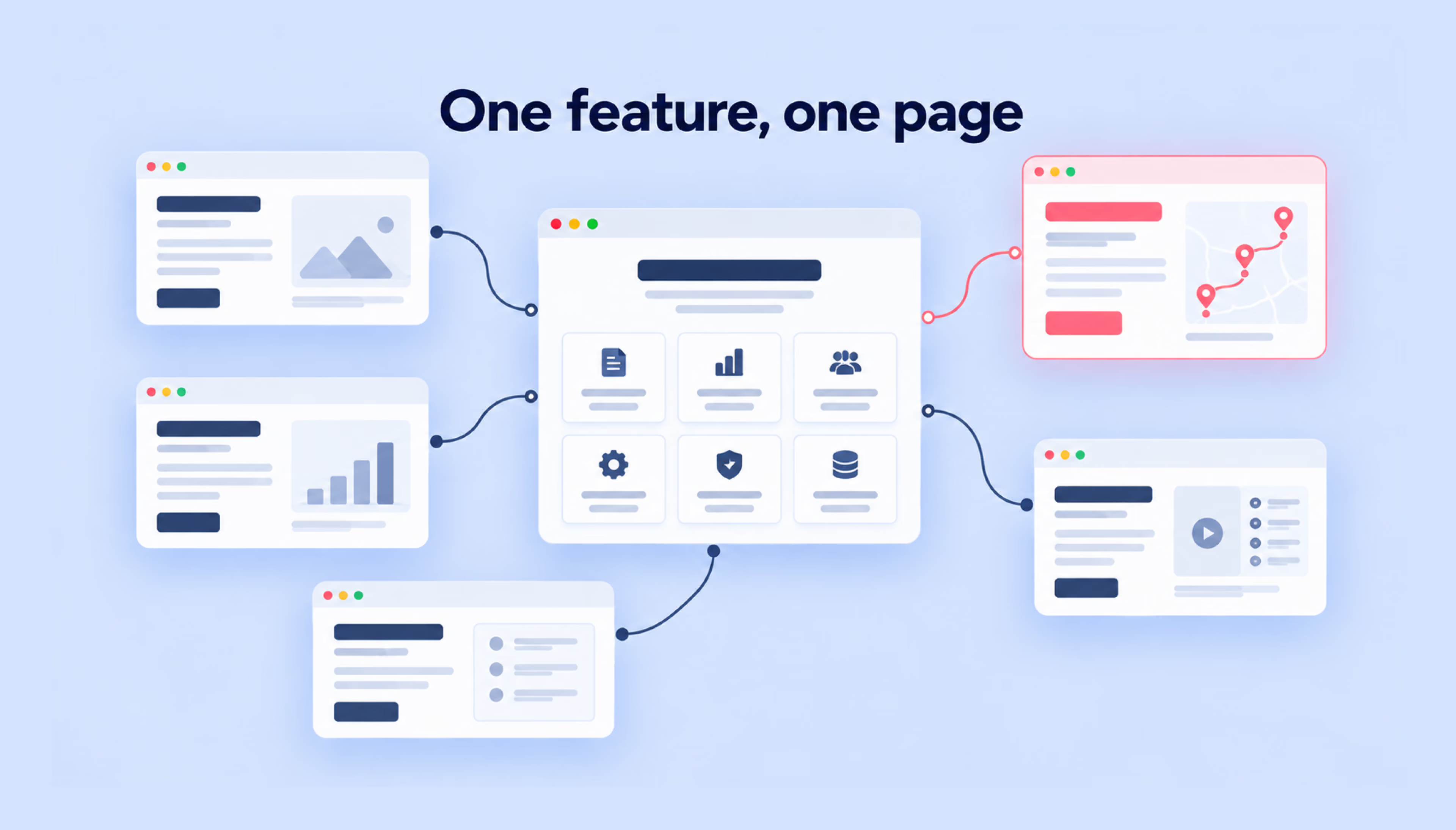
A single “Features” page may keep the site tidy, but it gives individual capabilities little room to address specific search queries. The overview can stay as a hub that links out to the separate feature pages and gives new visitors a map of the product.
Use case pages
These pages describe how one audience applies the product, as in “project management for construction teams” or “time tracking for law firms.” They rank and convert when the content speaks the language of that trade. A construction page that mentions RFIs and change orders and shows a schedule built around site inspections reads as written for a site manager.
The risk lies in producing twenty near-identical pages where the industry name is the sole difference. Visitors notice the template within a paragraph, so create industry-specific pages only when you can describe the audience’s workflows and show how your product addresses their needs.
Comparison pages
A comparison page helps buyers evaluate competing tools, so it works best when it reads like a fair assessment. Put a table near the top with the facts the buyer is checking, and date it, so the reader knows when the prices and limits were verified.
Admitting where the other tool fits better tends to raise trust in the rest of the page, since the reader can see the comparison wasn’t written to win each row. Add a short section on migration, for example, how to import projects from the other tool, because the effort of moving data is often what keeps people from switching.
Blog content for Informational queries
A customer-success platform, for example, might build a cluster around customer onboarding. A broad guide on onboarding new clients sits at the center, and narrower posts, such as an email sequence for B2B trial users, link up to it and across to the onboarding feature page.
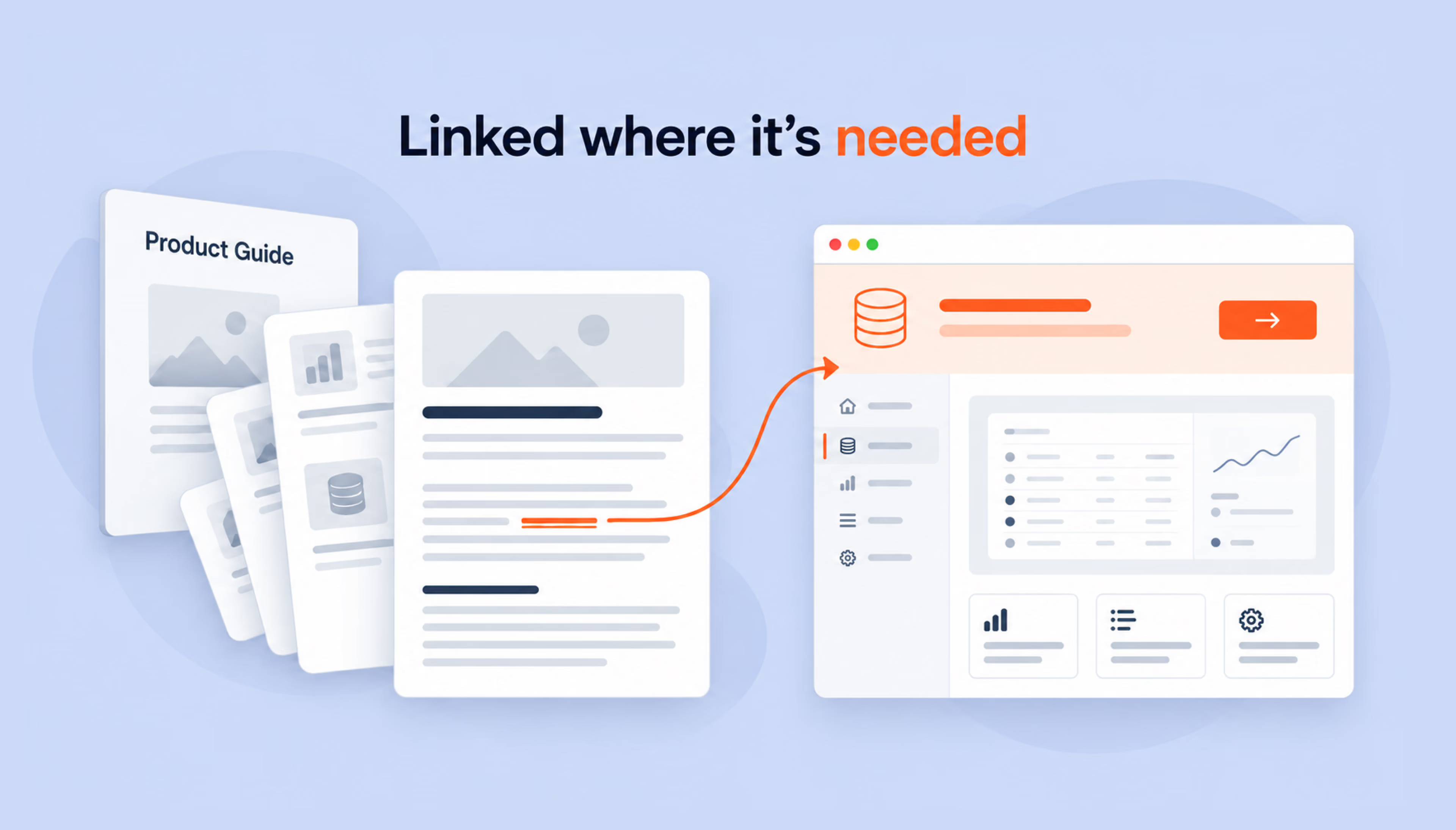
Relevant internal links help readers move from informational content toward your product. Depending on the topic, they might lead to a related guide, a use case, or a feature page, and they work best where they support the reader’s next step rather than being tacked on at the end of the post. Planning such clusters and the links inside them is where our content marketing team supports SaaS companies, from topic selection to the final edit.
On-page SEO for SaaS websites
A SaaS page can target the right keyword and still struggle to attract visitors if its title, content, and structure don’t match what people are looking for. On-page SEO helps make that connection clear, both in search results and once someone lands on your website.
Title tags and meta descriptions
Google builds the clickable headline of a result mostly from the title element, and it may use the page’s H1 or anchor text pointing to the page instead, for example, when the title contains an obsolete date. For a pricing page, a title like “Pricing: plans for teams of 5 to 500 | [Product]” answers the searcher’s first question before the click.
Edits to titles take a few days to a few weeks to show because Google has to recrawl and reprocess the page first. Plan title updates with that delay in mind, and monitor changes in click-through rates alongside rankings and impressions.
Google primarily generates snippets from page content but may use the meta description when it provides a more accurate summary. Write a separate one per page that states what the visitor can do there; for example, start a 14-day trial without a card.
Keyword placement and semantic relevance
The primary keyword usually belongs in the title and the H1, and once more in the first paragraph, where a reader expects to see the topic named. Adding the phrase again and again to raise its count tends to backfire, since Google lists keyword stuffing among violations of its spam policies and does not use the keyword meta tag.
Relevance also comes from covering the concepts and questions that matter to the searcher. For example, an overview of payroll software may need to address pay stubs, tax filings, and compliance requirements to help readers evaluate their options.
{{banner-2}}
URL structure and internal linking
A predictable URL pattern, such as /features/expense-reports or /integrations/slack, tells visitors where they are, and Google can display parts of the path as breadcrumbs in search results. Settle the pattern before the site grows, since changing URLs later means redirects for each page that already has links.
Linking to a new feature page from relevant existing content helps readers and search engines discover it. These internal links can also clarify how the new feature relates to other topics on your site. The anchor text works best when it names the destination, such as “expense report approvals” in place of “learn more,” because a descriptive phrase tells people and search engines what waits on the other side of the click.
Orphan URLs, which no other part of the site references, tend to surface when a sitemap is compared with a crawl. Integration pages added by a partnerships team outside the main content plan often end up in that group.
Content structure and headings
A clear structure starts with one H1 that matches the main query, followed by H2s for the questions a visitor tends to ask, in the order they come up. On an integration page, that order usually puts what the connection does ahead of the setup, with known limits at the end, so someone scanning on a phone reaches the how-to part quickly.
Each heading reads best when its first sentence answers it and the details come after. Setup instructions tend to work as a numbered list, since readers follow them while switching between tabs and need to find their place again.

Technical SEO for SaaS websites
Technical SaaS SEO begins with a map of what lives under the domain, because the marketing site and the logged-in application are often built by different teams on different stacks. With that map in hand, it becomes easier to see which sections crawlers should reach and which ones belong behind a login.
Crawling and indexing
Google usually first crawls a page and then indexes it, and its documentation states that it does not promise that either step will happen, even for pages that follow its guidelines. Marketing sites built as JavaScript applications add a rendering step in between: Googlebot queues the page, renders it in a headless Chromium browser, and indexes what the rendered version shows.
Server-side rendering or prerendering can make content accessible to crawlers without relying on JavaScript execution and may improve loading performance when implemented well. Large documentation sites sometimes raise crawl budget as a concern, though Google’s guide to it addresses sites with over a million pages that change about weekly, or over 10,000 pages that change daily.
Open the Page Indexing report in Search Console and look for feature or pricing pages under statuses like “Crawled, currently not indexed.” Our article on why Google is not indexing your site walks through the causes behind each status and what to change.
XML sitemaps and Robots.txt
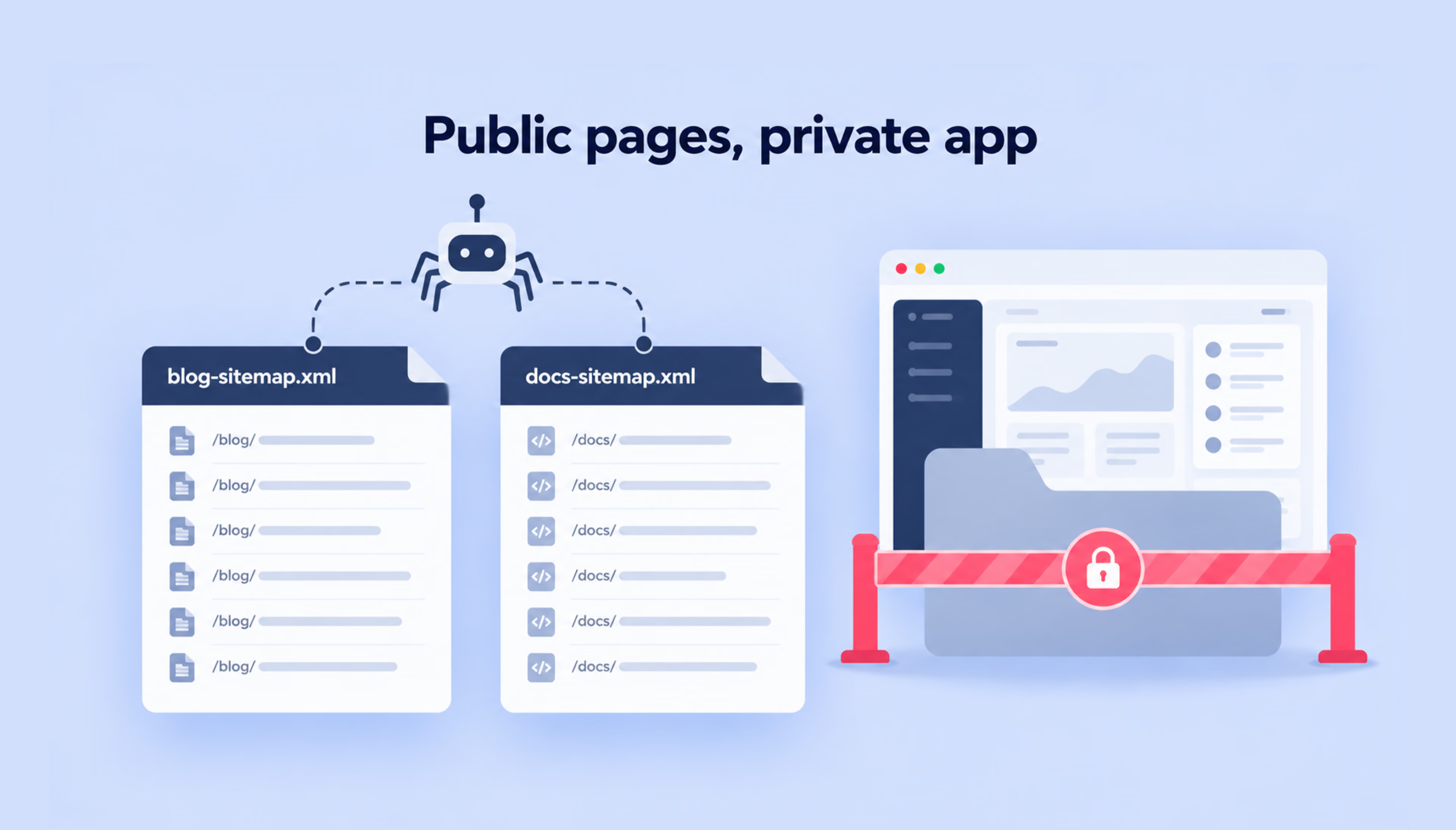
An XML sitemap lists the canonical URLs you want in search results, and one file can hold up to 50,000 URLs or 50 MB uncompressed. Splitting sitemaps by section, with one for the blog and one for documentation, makes it easier to see in Search Console which part of the site has indexing gaps.
Robots.txt controls which URLs search engines can crawl, making it useful for managing access to sections that don’t need to be crawled. However, it doesn’t guarantee that a URL will stay out of search results. Use a noindex directive for publicly accessible pages that shouldn’t appear in search, and authentication to protect private SaaS dashboards and account data. Our robots.txt guide explains how to configure and test crawling rules.
Canonical tags and duplicate content
Take a documentation site that publishes nearly identical setup guides for versions 3.1 and 3.2 of its API. If both versions are still in use and differ in meaningful technical details, they may need separate URLs that remain visible in search.
When the older guide no longer needs its own search visibility, and its content is effectively duplicated, a rel="canonical" tag can point Google to the preferred version, and a redirect fits better once the old documentation is retired. Google treats both as strong signals, though it makes the final choice of canonical URL itself, and the chosen page then collects the links the duplicates have earned.
As a SaaS website grows, duplicate URLs, outdated redirects, and indexing issues can become harder to track. Regular technical SEO audits help identify these problems before they affect important product and landing pages.
Page speed and core web vitals
Google’s Core Web Vitals define a good experience at the 75th percentile of page loads. The main content should render within 2.5 seconds (Largest Contentful Paint), and an interaction should get a visual response within 200 milliseconds (Interaction to Next Paint). Layout shift should stay at 0.1 or lower.
On a SaaS homepage, a chat widget that loads heavy scripts early can delay the hero image and worsen Largest Contentful Paint on mobile. Deferring nonessential scripts until after the main content loads can help improve performance. Loading the widget after the main content is one of the quicker fixes, and Search Console’s Core Web Vitals report groups URLs by status, showing whether the problem sits in one template or across the blog.
Link building for SaaS companies
For SaaS companies, useful backlinks often come from resources that other websites have a genuine reason to reference, whether that’s original research, industry data, or a practical tool.
Editorial backlinks
These backlinks come from journalists and writers who cite your page because it holds something they need for their own article. A subscription product collects plenty of such material in everyday use:
- Usage benchmarks. Aggregated, anonymized figures, such as the median time a team takes to close a support ticket, can turn into a short report that trade publications quote.
- Seasonal trends drawn from activity in the app, for example, the week when accounting teams start their year-end work.
- Original surveys. Asking your users about one narrow topic gives reporters numbers unavailable elsewhere.
- A clear explanation of a regulation or standard the product helps customers follow tends to be referenced in guides written for the same audience.
Paid placements are different from editorial backlinks. Google requires advertising and sponsored links to be marked with rel="sponsored" or rel="nofollow" so they aren’t treated as regular ranking endorsements. These placements may still bring referral traffic, but they shouldn’t be used to manipulate search rankings.
Competitor backlink analysis
The referring domains of your three closest organic rivals, exported from an SEO tool and sorted by overlap, can reveal relevant link-building opportunities. A site that links to two of them and not to you is often a “best [category] tools” roundup or an integration directory, and both formats tend to accept new entries.
When contacting roundup authors, explain what makes your product relevant to their list and include a screenshot that shows its key capabilities. Directory listings usually depend on the partner whose integration you built, and a request sent by your partnership’s contact tends to get a faster answer.
Content-based link building
A free salary calculator published by a payroll tool can collect links from HR blogs and university career pages, since writers on those sites need a tool to point their readers to. The asset works when it solves a calculation or produces a document your audience needs repeatedly.
Its link value depends on the asset staying open. A calculator that asks for an email before showing a result gives writers a reason to link elsewhere, so promote the open version to authors of existing articles on the topic, especially those still linking to an older or broken tool.
For SaaS companies, some of the strongest link-building opportunities come from the data, tools, and expertise already available inside the business.
Measuring SaaS SEO performance
A ranking report can look healthy while sign-ups stay flat, because a page may hold the top spot for a query that brings readers with no plans to buy. To understand whether SEO is contributing to growth, SaaS teams need to look at rankings, organic traffic, and conversions together.
Keyword rankings
Rankings tell you more when the tracked terms are grouped by funnel stage, since a drop in bottom-of-funnel positions costs sign-ups sooner than one in informational queries. The value of a given spot also depends on what Google shows above it, and an AI summary or a block of ads at the top of the results tends to leave fewer clicks for the listings below.
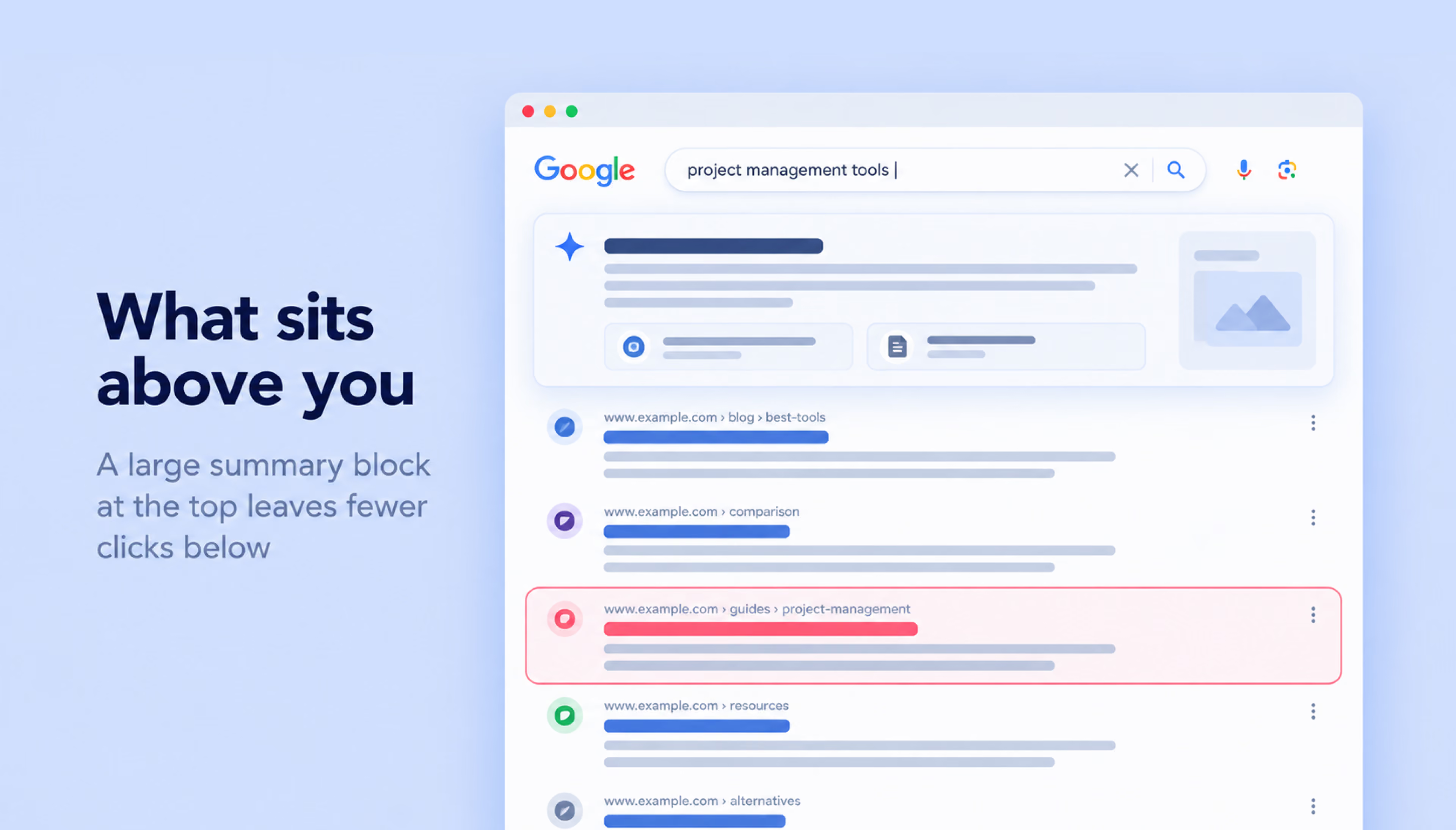
Search Console’s average position blends the many queries a page appears for, so the figure becomes useful once it is broken down by query. A rank tracker set to your buyers’ location and device adds daily readings for a fixed list of terms, which makes it easier to tie a decline to a specific change on the site.
Organic traffic
GA4’s landing page report, filtered to the Organic Search channel, shows which pages attract visits from organic search engines. Grouped by type, with blog posts in one row and comparison pages in another, the data tells you which kind of content accounts for the growth and whether the URLs closest to pricing are gaining share.
Searches for the company name deserve a separate line, and Search Console’s query data makes that split possible. Branded searches can grow through awareness generated by advertising, PR, and other marketing activities, so it’s useful to analyze them separately from non-branded organic traffic.
Conversions and sign-ups
To understand how organic traffic contributes to revenue, SaaS companies need to track what happens after the first visit. Depending on the business model, useful conversion milestones include:
- Sign-ups. Track new account registrations using the recommended GA4 sign_up event.
- Trial starts. Measure when users begin a free trial, especially if registration and trial activation happen at different stages.
- Demo requests. Track requests from potential buyers and connect them to CRM records to follow their progress through the sales pipeline.
- Paid subscriptions. Use billing or CRM data to identify which acquired users become paying customers and how much revenue they generate.
Connecting these milestones to the original traffic source and landing page requires appropriate tracking and attribution setup, particularly when users return through several channels before converting.
Comparing sign-up rates across landing page types can help identify potential conversion bottlenecks. A comparison page with steady traffic but few trials may have an unclear call to action, missing product details, or a mismatch between what visitors expect and what the page offers. Addressing these issues through conversion rate optimization can help turn more organic visitors into sign-ups and paying customers.
Making organic traffic count
There’s always another keyword to target, another article to publish, or another competitor page to build. But SaaS teams rarely have unlimited time or budget, and adding more pages won’t necessarily bring more customers. The harder decision is knowing which opportunities are worth pursuing now and which can wait.
A useful starting point is to look at where your product already solves a clear problem and where people are actively searching for a solution. Build around those opportunities, measure what happens after the click, and adjust as you learn. A smaller, focused SEO effort can be more valuable than a much larger content library that attracts the wrong audience.
{{banner-3}}
FAQ
How long does SEO take for SaaS companies?
SaaS SEO often takes several months to produce meaningful results, although some pages may show ranking improvements sooner. The timeline depends on the site’s existing authority, technical condition, competition, and the keywords being targeted. Established websites may see traction faster, while new domains often need more time to build visibility and convert search traffic into sign-ups.
What type of SaaS content ranks best in Google?
The best-performing SaaS content depends on search intent. Product and feature pages can attract buyers looking for specific capabilities, comparison pages help users evaluate vendors, and practical guides answer informational queries. What matters most is how well a page meets the searcher’s needs, not whether it’s a blog post or a landing page.
Is SEO worth it for SaaS startups?
SEO can be worthwhile for SaaS startups when potential customers are already searching for the problems their product solves, even if search volumes are modest. Keyword research helps identify those opportunities, but low reported volume doesn’t always mean demand is absent. For newer product categories, SEO may work best alongside channels that help build awareness and introduce buyers to the solution.
Can SEO replace paid ads for SaaS?
For most companies, SEO reduces how much they depend on ads and rarely replaces them altogether. Paid search can test a new message within days of a launch, and its search terms report shows which queries convert, which makes it a useful input when you choose SEO targets.
How often should SaaS SEO content be updated?
Update comparison pages whenever a competitor changes its plans or your product ships a feature that changes the verdict, since the people reading them are about to decide. For blog posts, a quarterly review in Search Console works well, and posts whose clicks fell over two consecutive quarters go to the top of the update list.